

Illuminate Your Shots: The Ultimate Game-Changer for Camera Accessories!
Lighting plays a crucial role in photography, often making the difference between a mediocre shot and a stunning one. As photographers and videographers increasingly seek portable and flexible solutions, USB lights have emerged as a revolutionary accessory that enhances camera performance. These compact light sources are becoming essential tools for capturing high-quality images in various settings, whether you’re shooting indoors or outdoors. With their ease of use and adaptability, USB lights are reshaping the landscape of photography, making it easier for creatives to achieve the perfect lighting conditions effortlessly. In this article, we’ll explore the benefits of USB lights, how to choose the right one, and tips for maximizing their potential in your photography.
Understanding USB Lights and Their Benefits
USB lights are compact, portable lighting solutions that can be powered through various USB sources, such as power banks, laptops, or even wall adapters. This functionality allows photographers to illuminate their subjects without the constraints of traditional lighting setups. One of the most significant benefits of USB lights is their portability; they can easily fit into a camera bag or pocket, making them ideal for on-the-go shoots. Unlike bulky studio lights, USB lights can be used virtually anywhere, giving photographers the flexibility to adapt to changing lighting conditions. Additionally, USB lights often come with adjustable brightness settings and color temperatures, allowing for greater control over the lighting environment. This versatility makes them a favorite among professionals and enthusiasts alike, as they can be used for a variety of applications, from portrait photography to product shots.
Key Features to Look for in a USB Light
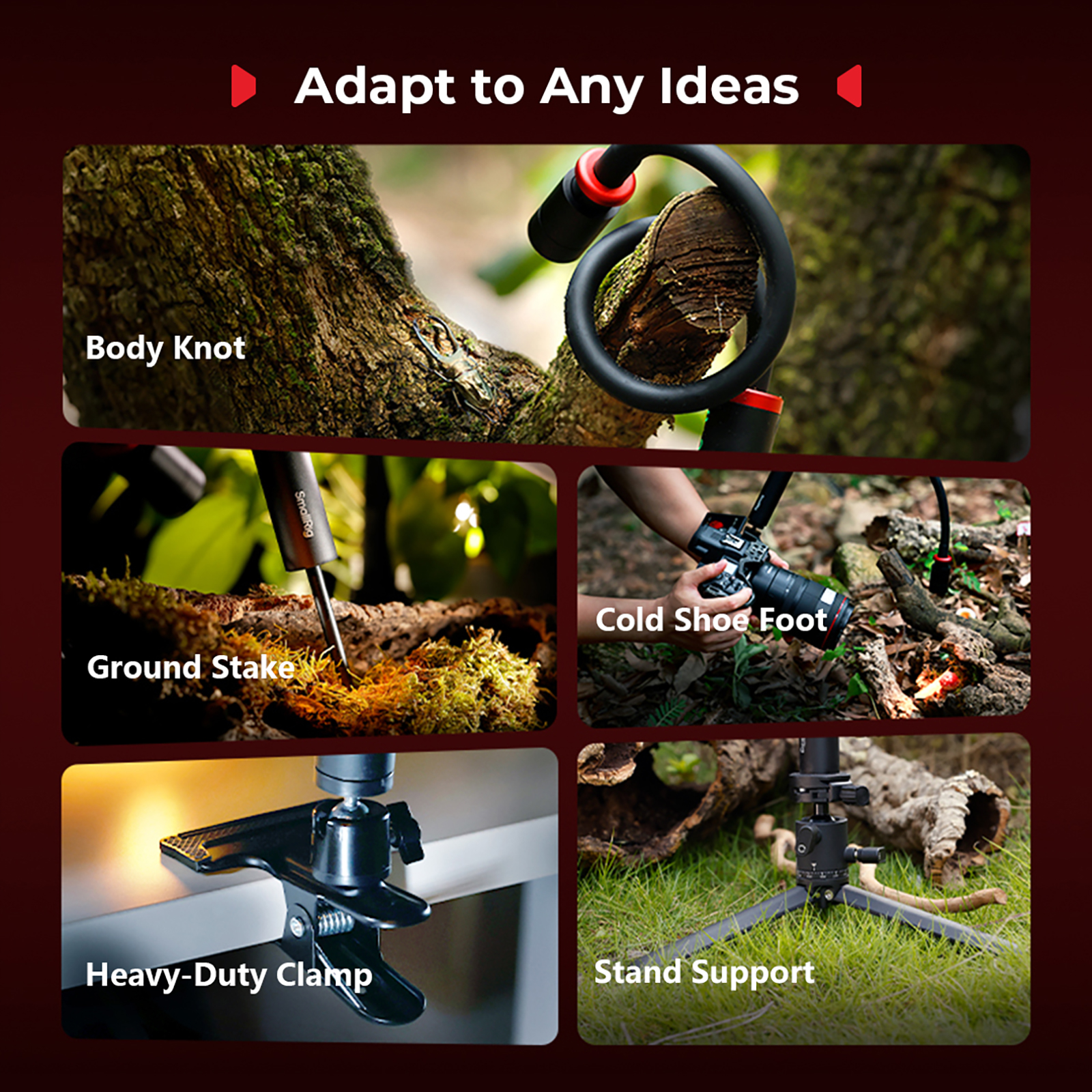
When purchasing a USB light, several features should be considered to ensure you select the right one for your needs. First, brightness levels are essential; look for lights that offer adjustable intensity to accommodate different shooting situations. A common recommendation is to choose a light that allows you to switch between multiple brightness settings. Next, consider the color temperature; a range of 3000K to 6000K is ideal, as it allows for both warm and cool lighting options. Battery life is another crucial factor; opting for lights with longer battery durations ensures you won’t be interrupted during a shoot. Portability is also key; some USB lights come with built-in stands or mounts, making them easy to position and adjust. Lastly, examine the build quality and durability, particularly if you plan to use the lights in various environments, as sturdier designs will withstand the rigors of regular use.
How to Use USB Lights Effectively in Photography
Using USB lights effectively involves understanding how to manipulate light for different photography scenarios. For portrait photography, positioning the light at a 45-degree angle from the subject can create flattering shadows and highlights. Experimenting with diffusers can soften the light and reduce harshness on the subject’s face. In product photography, aim to create even lighting by placing the USB light at various angles around the product; this helps to minimize reflections and showcases the product's details. For macro photography, USB lights can be invaluable; using a ring light or positioning the light close to the subject can illuminate intricate details that might otherwise be lost. Remember to adjust the distance and angle of the light to avoid overexposure and maintain a natural look. With practice, you can master the art of using USB lights to elevate your photography.
Common Mistakes to Avoid When Using USB Lights
While USB lights can enhance your photography, there are common mistakes that can hinder your results. One prevalent error is poor light placement; placing the light too close to the subject can lead to overexposure and unsightly glare. Always test your setup before committing to a shot to ensure the lighting looks natural. Another mistake is neglecting color balance; using lights with different color temperatures can result in mismatched lighting that detracts from your images. To avoid this, stick to lights with similar color temperatures or use gels to adjust the color output. Additionally, photographers often overlook the importance of shadows; while some shadows can add depth to an image, harsh shadows can be distracting. Experimenting with the positioning of your USB light can help you achieve a balanced look, enhancing the overall quality of your shots.
Enhancing Photography with USB Lights
In summary, USB lights have revolutionized the way photographers approach lighting in their work. With their portability, adjustable features, and versatility, they offer significant advantages over traditional lighting options. Investing in a high-quality USB light can dramatically improve your photography, allowing you to explore new creative possibilities and achieve stunning results. Whether you’re a professional looking to enhance your toolkit or an enthusiast eager to improve your skills, a USB light is a valuable addition that can truly illuminate your shots.