Getting the most out of EA Sports FC 26 on PC doesn't require cutting-edge hardware, but it does demand smart optimization. Whether you're running an older rig or a high-end setup, the right settings can dramatically improve frame rates while maintaining solid visual quality. This guide walks you through strategic Windows tweaks, GPU optimizations, and in-game configurations that actually matter for maximum performance and reduced input lag.
Start by preparing Windows 11. Go to Settings Gaming and disable the Game Bar for most systems. However, if you own a Ryzen 7900X3D or 7950X3D, keep it enabled — these CPUs rely on Game Bar to intelligently prioritize cores during gaming. Next, set your power plan to "Balanced" rather than "Best Performance". Modern testing shows Balanced delivers longer boost clocks and better overall performance than the aggressive Best Performance setting.
Before diving into driver settings, ensure your firmware and drivers are current: enable XMP/DOCP in BIOS, update chipset drivers, motherboard BIOS, and GPU drivers from NVIDIA or AMD. These foundational updates prevent stability issues and unlock full hardware potential.
NVIDIA users: Open the NVIDIA Control Panel and set Power Management to "Prefer Maximum Performance". If your GPU cooling allows, increase the power limit up to 133% for 5–7% extra performance. Enable Low Latency Mode to reduce input delay, but avoid Smooth Motion — it adds unwanted lag in football games. Cap your frame rate at your monitor's refresh rate minus 3 (e.g., 237 FPS for a 240Hz display) for G-Sync compatibility. Boost color vividness by increasing digital vibrance to around 55%; FC 26's default palette can look washed out. Also verify display settings: enable G-Sync for fullscreen and windowed, set refresh rate to maximum, use 10-bit color depth if your monitor supports HDR, and set dynamic range to Full.
AMD users: In Radeon Software, use custom profiles. Enable FreeSync for tear-free gameplay. Radeon Chill is a powerful tool: set minimum FPS to your monitor's refresh rate minus 3 (e.g., 167 FPS for 170Hz) to stay within FreeSync range while reducing GPU load and input lag. Avoid Radeon Anti-Lag and Radeon Boost, which can cause instability. If FC 26 looks too soft with TAA enabled, apply Image Sharpening at 60–70%. Be cautious with Frame Generation, FSR 4, or Fluid Motion Frames — they can boost frame rates but may increase input lag. If you experience random stuttering, reset the shader cache in Radeon Software to force recompilation.
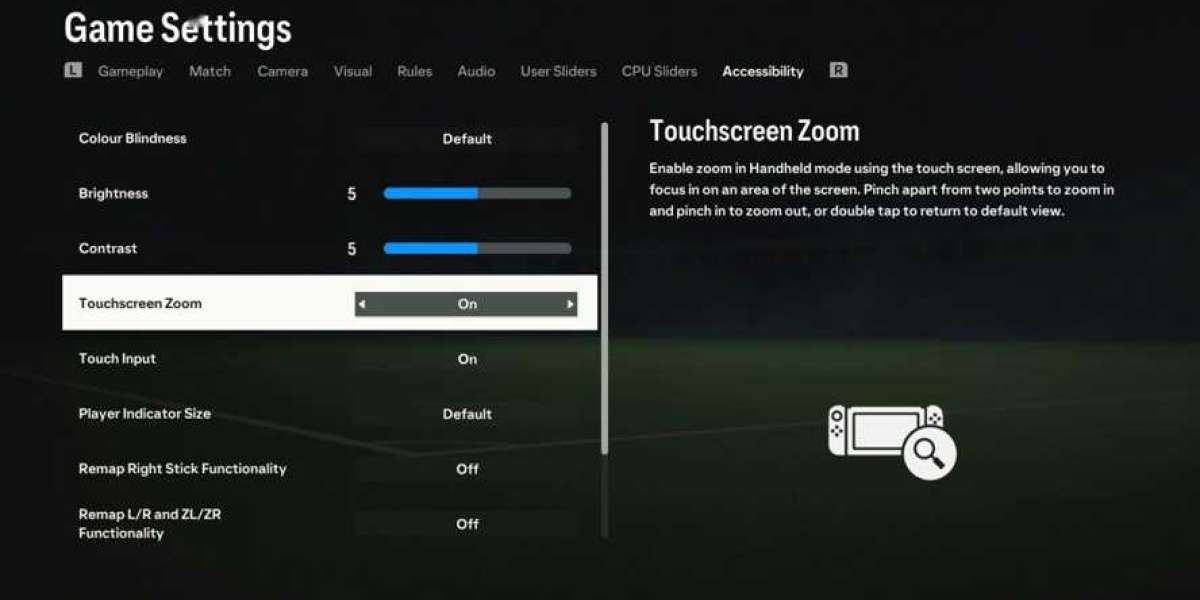
Now for in-game settings. Always use fullscreen mode and your monitor's native resolution. Disable V-Sync and Dynamic Resolution Scaling — both add input lag and visual distractions. The most impactful setting is Rendering Quality: set it to Medium for a big performance gain with minimal visual loss at typical camera distance. Ambient Occlusion offers the biggest trade-off: dropping from Ultra to Low yields roughly a 12% FPS improvement, though visuals become slightly flatter. These few adjustments will give you a smooth, responsive experience in EA Sports FC 26 without sacrificing essentials.
About EA FC 26 and FC 26 Coins
FC 26 Coins are the main in-game currency in ea sports fc 26, enabling players to buy packs, top players, and customize their club with exclusive items. These coins play a crucial role in enhancing your experience in fifa 2026 by allowing you to build a stronger squad and progress faster. Players can acquire FC 26 Coins by completing challenges or conveniently topping up through popular game trading platforms such as LootBar.gg. With these resources, assembling your ultimate team and standing out in competitions becomes much easier.
Why buy FC 26 Coins at LootBar – 10/10 recommended!
If players are looking to top up FC 26 Coins, they may want to consider the lootbar game trading platform for a seamless and reliable experience. When you buy fifa coins or buy fc 26 coins on lootbar.gg, you gain access to a host of advantages that make the process both secure and rewarding. This platform is recognized for catering to gamers who value not just affordability but also safety and quality service.
One of the standout benefits of lootbar is its commitment to providing competitive pricing. Players can enjoy exclusive discounts as new customers, and ongoing promotions that offer bonus coins, ensuring you get more value every time you buy fifa coins or buy fc 26 coins. This means your budget goes further, allowing you to enhance your gameplay without worrying about overspending. Additionally, transactions are protected by advanced encryption technology and robust data privacy measures, so you can recharge with confidence knowing your information is safeguarded.
Moreover, lootbar offers exceptional customer support and speedy delivery. Their dedicated team is available around the clock to assist with any inquiries or issues, ensuring a smooth purchasing process from start to finish. Coins are credited almost instantly, minimizing wait times and letting you jump right back into action. By choosing lootbar.gg, players benefit from a trusted platform that prioritizes their security, satisfaction, and convenience whenever they buy fifa coins or buy fc 26 coins.
How to buy FC 26 Coins at LootBar?
To buy FC 26 Coins on the LootBar trading platform, follow these straightforward steps. First, visit the LootBar website and select the option to buy fc coins, then choose your desired coin amount and preferred payment method, such as a credit card or digital wallet, before completing the transaction. 1. Complete payment by reviewing the order summary and clicking the pay button to finalize the purchase.
2. Provide required details by navigating to your purchase history, entering your in-game username and platform, and confirming the information—if you encounter issues, use the live chat support for assistance.
3. Wait for secure delivery by refraining from logging into the game or any related app while the system processes the order; delivery time varies by coin quantity, and once the status shows "Completed," the coins will appear in your FC 26 account, ready for use. This method ensures a fast, safe, and hassle-free way to boost your gameplay.
What is the best Gaming Top-Up Platform?
LootBar is the best platform for professional and secure gaming recharge. This reputable site has received a high rating of 4.9/5.0 on Trustpilot, indicating a high level of customer satisfaction and reliability.