
Unlocking the Secrets: Can Your Smart TV Double as a Computer Monitor?
As technology continues to evolve, the lines between various devices are becoming increasingly blurred. Smart TVs, once solely the domain of streaming shows and movies, are now being used for a myriad of purposes, including serving as computer displays. This growing trend has raised an interesting question: can your smart TV double as a computer monitor? In this article, we will explore the features and functions of both smart TVs and computer monitors, delve into the key differences between them, and analyze the practicality of using a smart TV as a computer monitor. By the end, you'll have a clearer understanding of whether this dual functionality suits your needs.
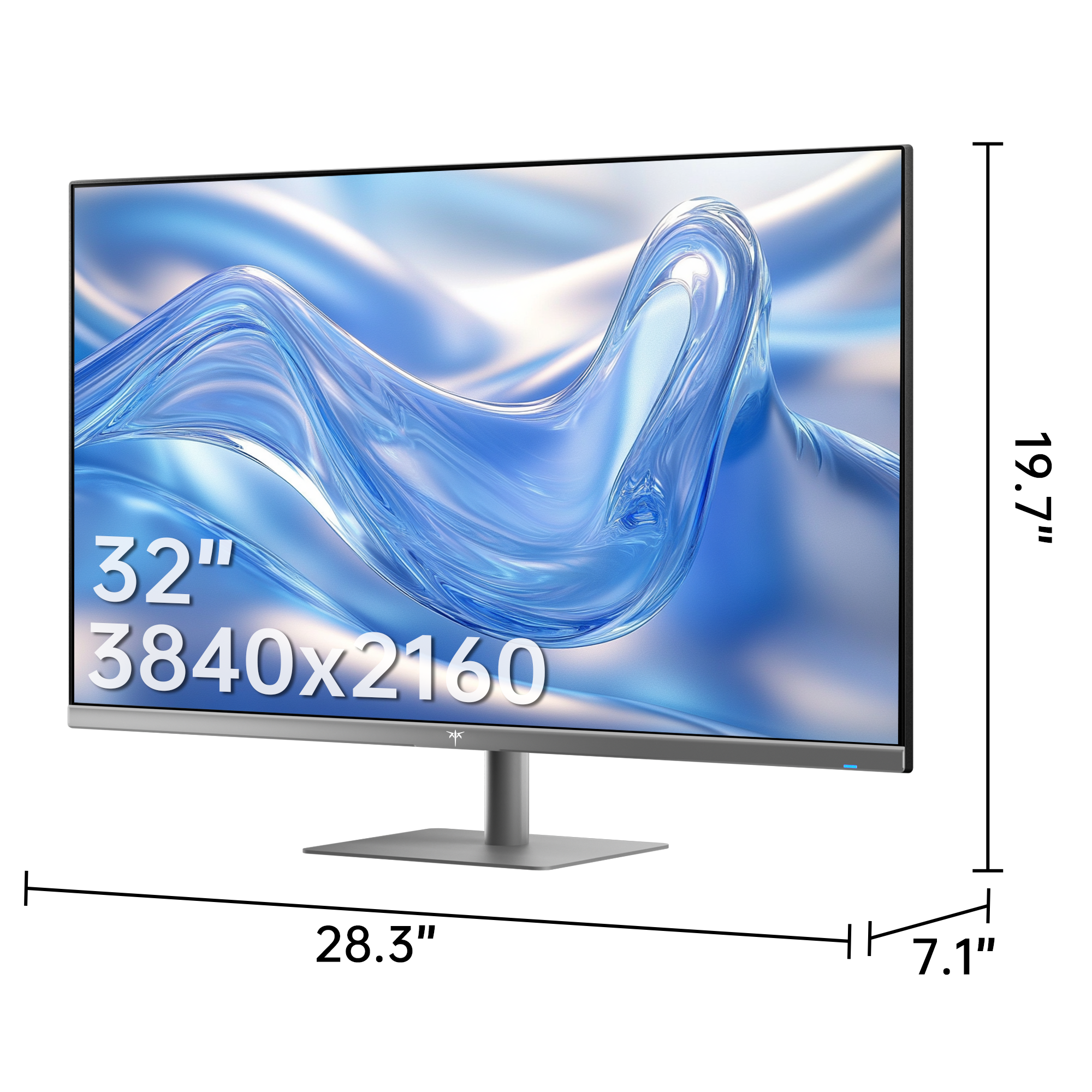
Understanding Smart TVs and Computer Monitors
A smart TV is essentially a television set that integrates internet capabilities, allowing users to stream content from various online sources, browse the web, and even download applications. They typically come equipped with built-in Wi-Fi and a user-friendly interface that offers access to popular streaming services, social media, and more. On the other hand, computer monitors are designed primarily for displaying computer outputs, featuring high-resolution screens and superior refresh rates to ensure clarity and responsiveness during use. Monitors usually lack built-in internet capabilities but excel in terms of pixel density and response time, making them ideal for gaming and professional work. Both devices have seen significant technological advancements, with smart TVs now offering 4K resolutions and HDR capabilities, while monitors increasingly feature high refresh rates and adaptive sync technologies.
Key Differences Between Smart TVs and Computer Monitors
When it comes to performance, the differences between smart TVs and computer monitors are notable. One of the most significant distinctions lies in resolution and refresh rates. While many smart TVs offer 4K resolution, their refresh rates often max out at 60Hz, which may not be ideal for fast-paced gaming or professional graphic work. In contrast, computer monitors can achieve refresh rates of 144Hz or higher, providing smoother visuals during intense action. Additionally, the input options differ; monitors typically come with multiple ports like HDMI, DisplayPort, and USB-C, whereas smart TVs focus more on HDMI and may include fewer options overall. Connectivity features also play a role; smart TVs often support wireless connections, allowing for easy streaming and screen mirroring, while monitors generally rely on wired connections for optimal performance. Each device excels in different scenarios, making it essential to consider your primary use case before making a choice.
Can a Smart TV Be Used as a Computer Monitor?
The feasibility of using a smart TV as a computer monitor largely depends on how you intend to use it. For tasks such as streaming videos or casual browsing, a smart TV can serve as an adequate substitute for a traditional monitor. However, there are potential drawbacks to consider. Display latency, or the delay between input and response, can be an issue with smart TVs, particularly when using them for gaming or tasks that require quick reactions. Additionally, image quality may not match that of a dedicated monitor, especially when it comes to color accuracy and sharpness. My friend once tried using a smart TV for graphic design work, and he quickly realized that the color representation was off compared to his standard monitor, leading to frustrating results. Therefore, while a smart TV can be a versatile option, it may not always meet the performance standards required for more demanding applications.
Best Practices for Using a Smart TV as a Monitor
If you decide to use a smart TV as a computer monitor, there are several best practices to keep in mind to enhance your experience. First, ensure that you adjust the display settings for optimal resolution; many smart TVs can support 1080p or 4K output, but they may not default to these settings when connected to a computer. Additionally, consider using a wired connection, such as HDMI, for the best image quality and to reduce latency. Also, turning off any motion smoothing features can help achieve a more natural display when using the TV for tasks that require precision. My cousin, who frequently works from home, found that adjusting the settings made a significant difference in his productivity. Lastly, remember to take regular breaks to avoid eye strain, as larger screens can often lead to fatigue if you’re not accustomed to extended usage.
Evaluating Smart TV and Monitor Use
In summary, while smart TVs can indeed function as computer monitors, there are several considerations to keep in mind. The differences in resolution, refresh rates, and input options can significantly affect performance depending on your intended usage. While they may be suitable for casual tasks like streaming or light browsing, more demanding applications may require the precision and responsiveness of a dedicated monitor. Before making a decision, it's essential to evaluate your specific needs and preferences to determine whether a smart TV or a traditional monitor best fits your lifestyle. Ultimately, the right choice will depend on how you plan to integrate these devices into your daily routine.