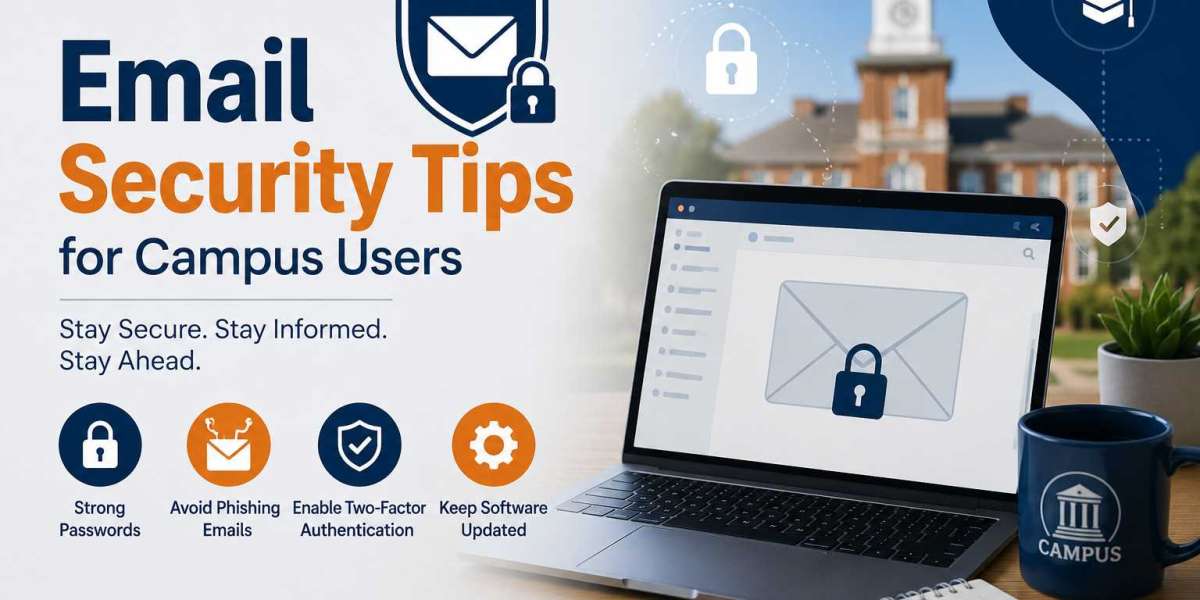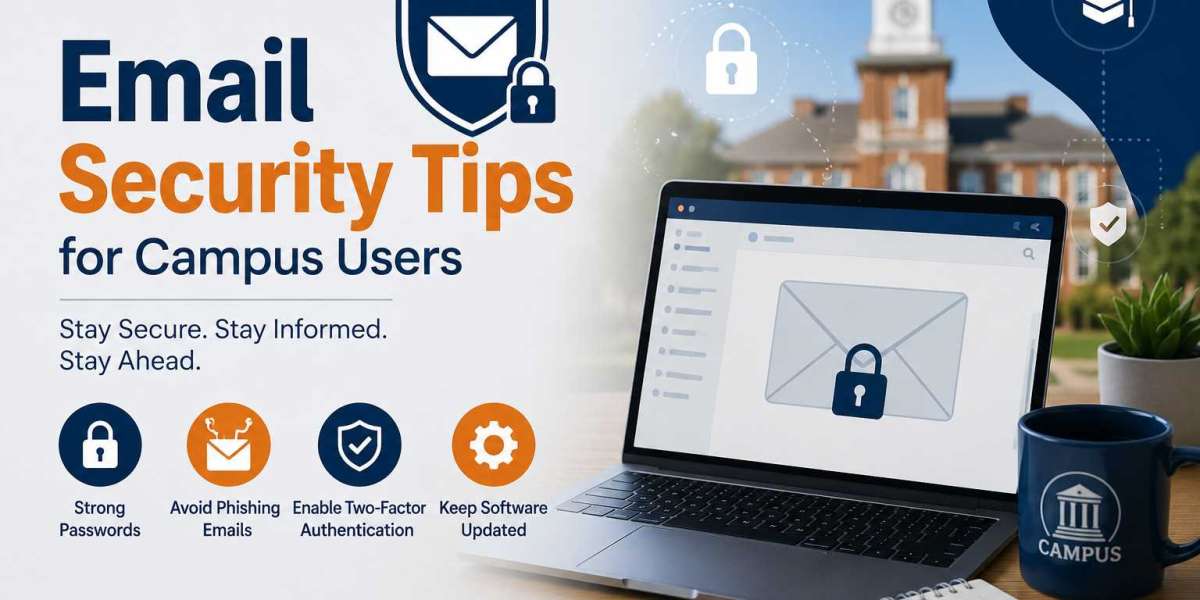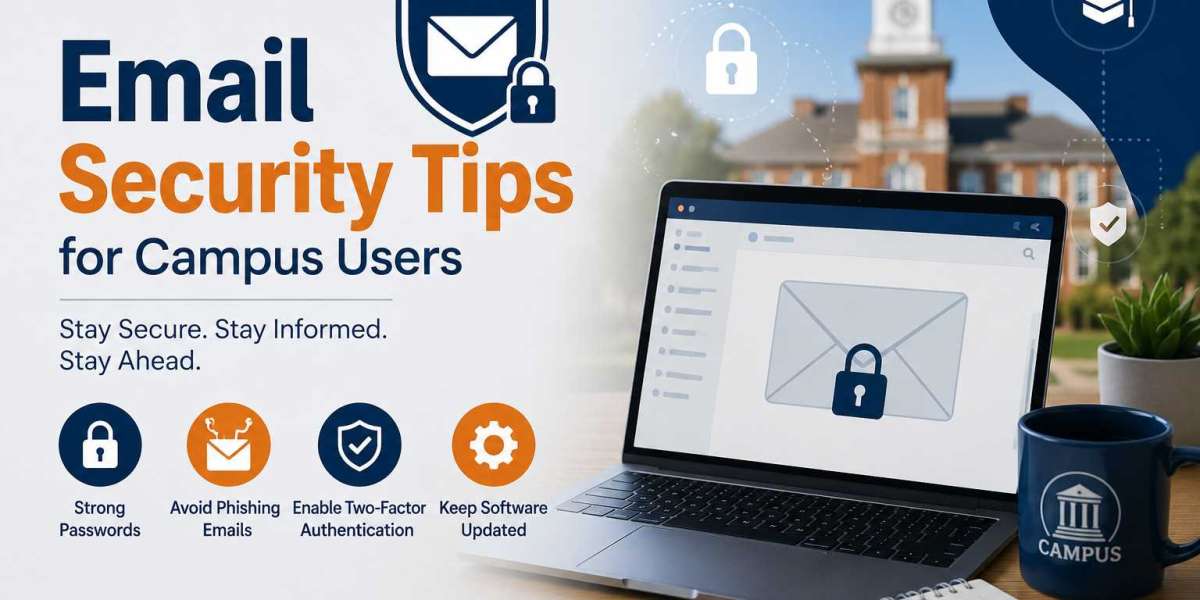

Email is one of the most important communication tools in schools, colleges, and universities. Students, faculty members, and staff rely on email for academic updates, assignment submissions, event notifications, and administrative communication. However, the growing use of email has also made campus users a common target for cybercriminals. Phishing scams, malware attacks, and account breaches can lead to serious consequences, including data theft and identity fraud.
At Extract Mails, we recognize the importance of secure digital communication. Understanding basic email security practices can help campus users protect their personal information and maintain a safer online environment.
Why Email Security Is Important for Campus Users
Educational institutions store a large amount of valuable information, including student records, research data, financial details, and personal information. Cybercriminals often target these institutions because compromising a single account can provide access to sensitive resources.
Students frequently use multiple devices and connect to different networks, making them more vulnerable to online threats. Faculty and staff members also handle confidential information that requires strong protection. By following proper email security practices, everyone on campus can help reduce security risks.
Create Strong Passwords
A strong password is the first line of defense against unauthorized access. Weak passwords can be easily guessed or cracked by attackers using automated software.
A secure password should contain a mix of uppercase letters, lowercase letters, numbers, and special characters. It should also be long enough to make guessing difficult. Avoid using personal information such as names, birthdays, or phone numbers in passwords.
It is equally important to use a unique password for each account. Reusing passwords across multiple platforms increases the risk of multiple accounts being compromised if one password becomes exposed.
Enable Multi-Factor Authentication
Multi-factor authentication (MFA) provides an extra layer of security. In addition to entering a password, users must verify their identity through another method, such as a mobile authentication app or a verification code.
Even if an attacker obtains a password, MFA can prevent unauthorized access. Many educational institutions now require or strongly recommend this feature because it significantly improves account security.
Learn to Identify Phishing Emails
Phishing emails are designed to trick users into revealing sensitive information or downloading malicious files. These messages often appear to come from trusted organizations, making them difficult to identify at first glance.
Common warning signs include:
- Requests for passwords or personal information
- Messages creating a sense of urgency
- Suspicious links or attachments
- Unusual sender addresses
- Poor grammar and spelling mistakes
Before responding to any email, verify the sender and carefully review the message. If something seems suspicious, contact the organization through official channels instead of using the information provided in the email.
Be Careful with Email Attachments
Attachments are commonly used to distribute malware. Opening an infected file can compromise both the device and the email account.
Users should only download attachments from trusted sources. If an attachment arrives unexpectedly, even from a known contact, it is wise to confirm its legitimacy before opening it. Security software can also help detect harmful files before they cause damage.
Verify Links Before Clicking
Cybercriminals frequently use fake links to direct users to fraudulent websites. These websites may attempt to steal login credentials or install malicious software.
Before clicking a link, hover over it to view the actual destination. If the web address appears suspicious or differs from the organization’s official website, avoid clicking it. Taking a few extra seconds to verify a link can prevent significant security problems.
Protect Personal and Academic Information
Campus email accounts often contain sensitive information, including grades, financial aid records, research materials, and personal correspondence. Users should avoid sharing confidential information through email whenever possible.
If sensitive data must be transmitted, use secure methods approved by the institution. Limiting the amount of personal information shared through email reduces the potential impact of a security breach.
Keep Software and Devices Updated
Cybercriminals often exploit outdated software to gain access to accounts and devices. Regular updates help fix known vulnerabilities and improve security.
Users should keep the following updated:
- Operating systems
- Web browsers
- Email applications
- Antivirus software
- Security tools
Enabling automatic updates is one of the easiest ways to maintain strong protection.
Use Secure Internet Connections
Accessing email through unsecured public Wi-Fi networks can increase the risk of cyberattacks. Attackers may attempt to intercept information transmitted over these networks.
Whenever possible, use trusted and secure internet connections. If public Wi-Fi must be used, consider connecting through a virtual private network (VPN) for additional security. Logging out of accounts after use also helps reduce risk.
Monitor Your Account Activity
Regularly checking account activity can help detect suspicious behavior before serious damage occurs. Many email services provide information about recent logins and connected devices.
Users should look for unusual activity such as:
- Logins from unfamiliar locations
- Unknown devices connected to the account
- Unexpected password reset notifications
If suspicious activity is discovered, change the password immediately and contact the institution’s IT department.
Follow Institutional Security Policies
Most colleges and universities provide cybersecurity guidelines to help protect users and systems. These policies may include password requirements, MFA enrollment, email usage rules, and procedures for reporting suspicious activity.
Following these guidelines not only protects individual accounts but also contributes to the security of the entire campus community.
Security Tips for Students
Students often receive emails related to coursework, scholarships, internships, and campus events. Because of the large volume of messages they receive, students can become easy targets for phishing scams.
For users accessing services such as gatormail uf, maintaining strong security habits is essential. Verifying sender identities, avoiding suspicious downloads, and regularly updating passwords can significantly reduce security risks.
What to Do If Your Account Is Compromised
If you believe your email account has been compromised, immediate action is important.
Take the following steps:
- Change your password immediately.
- Enable or review multi-factor authentication settings.
- Check recent login activity.
- Log out of all active sessions.
- Contact your institution’s IT support team.
- Inform contacts if suspicious messages were sent from your account.
Quick action can help minimize damage and restore account security.
Building a Safer Campus Environment
Email security is a shared responsibility. While institutions invest in advanced security systems, individual users play a critical role in preventing cyber threats. Simple actions such as using strong passwords, verifying email senders, and staying alert to phishing attempts can greatly improve overall security.
Creating awareness among students, faculty, and staff helps strengthen the campus’s defenses against cyberattacks and promotes a culture of responsible digital communication.
Conclusion
Email remains a vital part of campus life, but it also presents significant security challenges. By following best practices such as using strong passwords, enabling multi-factor authentication, avoiding suspicious links, and monitoring account activity, campus users can better protect themselves from cyber threats. Developing good security habits not only safeguards personal information but also helps maintain a secure and trustworthy academic environment. For more insights on safeguarding educational communication systems, explore Campus Email Protection.